An Introduction to LoanPASS
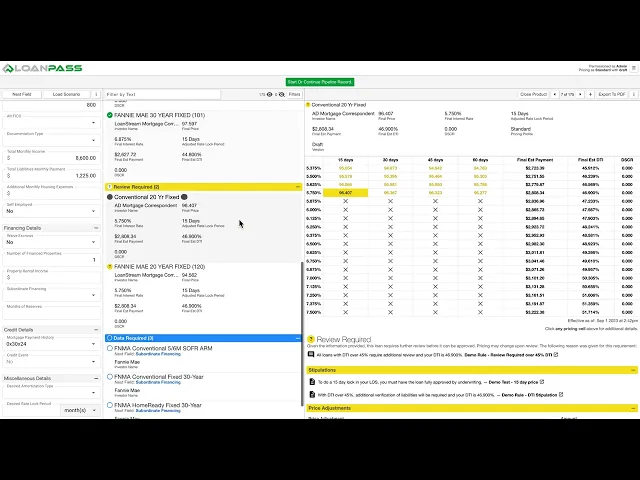
Price A Loan Page
This video is an overview of the Price a Loan page. It covers application fields, defaulted fields, dependent fields, custom & global scenarios, product details, the compare & export feature, and more.
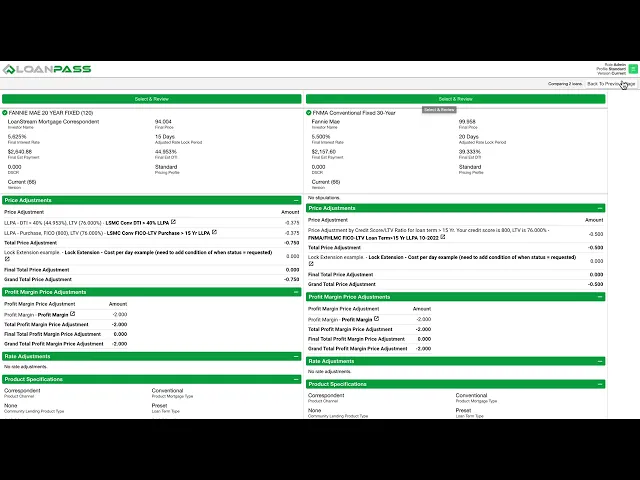
Custom and Global Scenarios
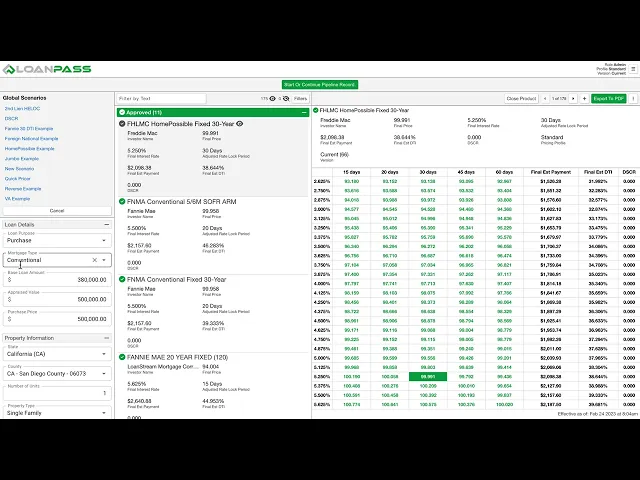
You can save application form inputs to a Custom Scenario and share that scenario with other LoanPass users by making it a Global Scenario. You can edit a Scenario and save it as a new Scenario. You can delete Scenarios no longer needed.
Blended Best Ex
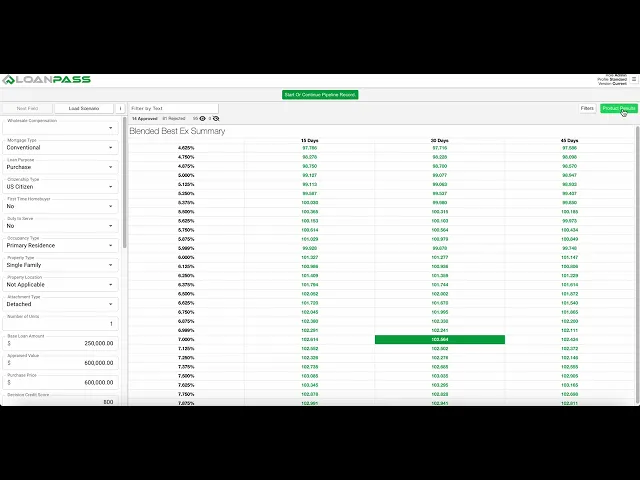
This video covers how to use the Blended Best Ex on the Price a Loan page.
How to Create Application Form Defaults
Admin users have the ability to create Application Form field defaults for each role.
Return to the Top of the Page
Rules
Rules Part 1 - Overview
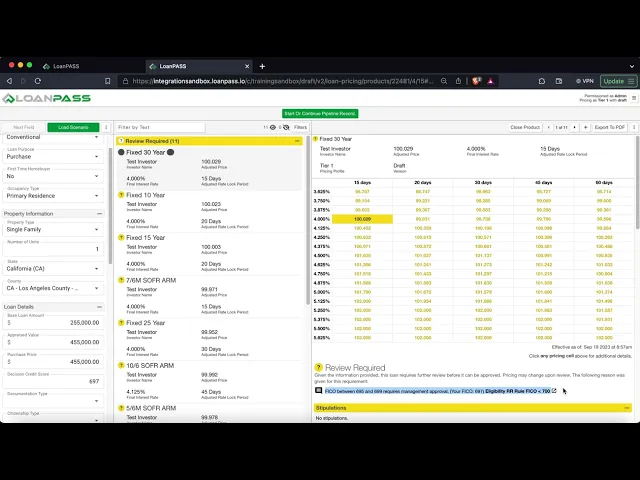
Overview of Rule Category, Action Type, Description, Associated Products
Rules Part 2 - Data Types
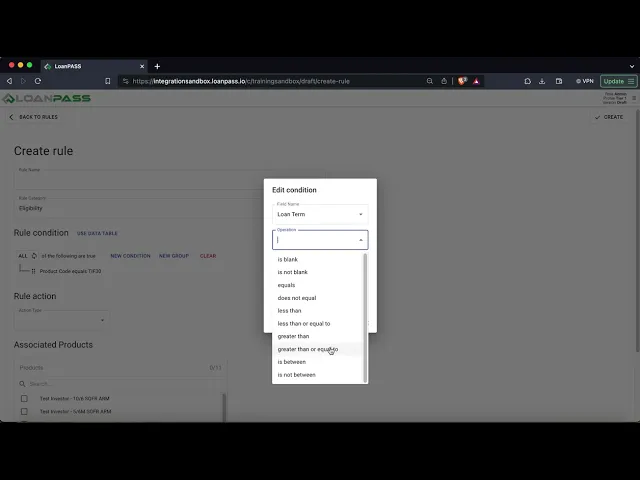
This video covers how to reference each data type within a LoanPASS rule.
Rules Part 3 - ANY and ALL Groups
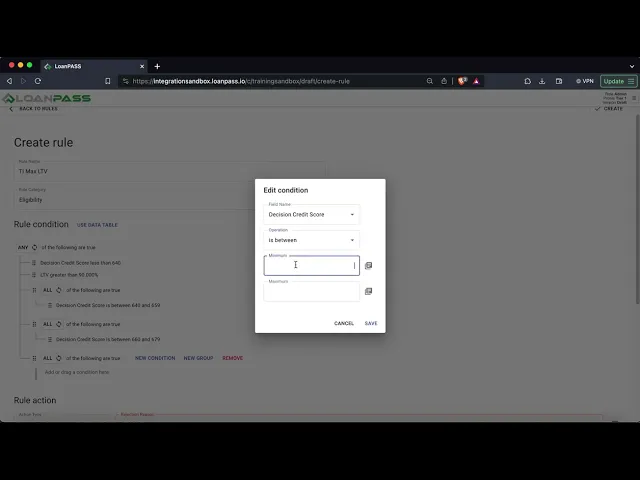
This video goes over the ANY and ALL groupings in LoanPASS rules.
Rules Part 4 - Full Examples
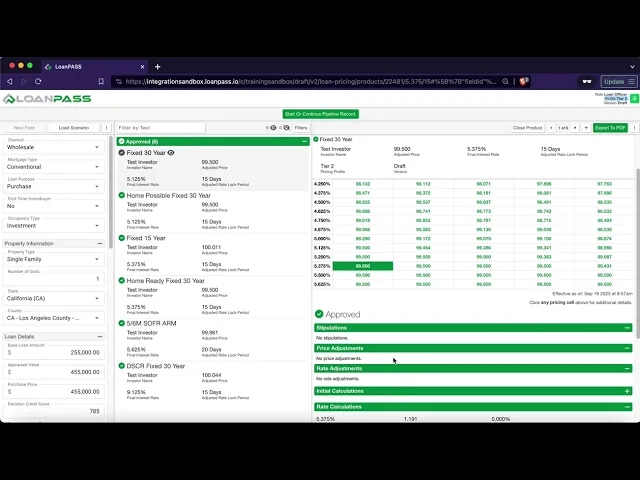
This video covers full examples of each LoanPASS rule category as well as what they do on the Price a Loan Page.
Rules Part 5 - Rules and Data Tables
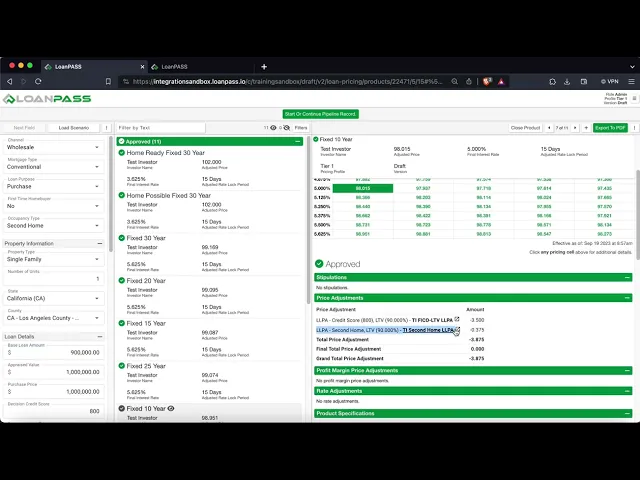
This video covers how to connect rules to data tables within LoanPASS.
Rules Part 6 - Edit and Delete
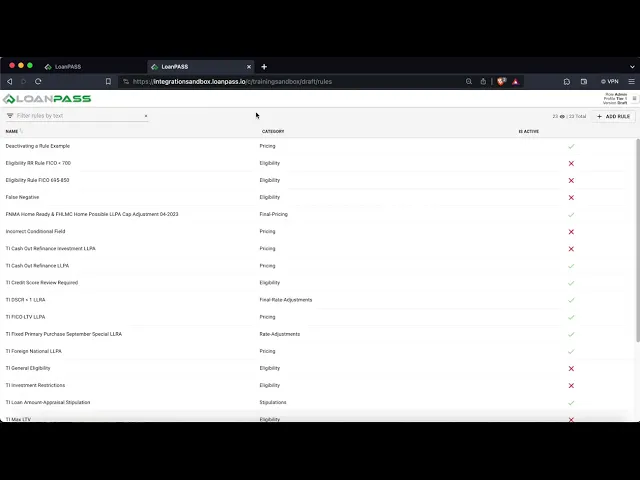
LoanPASS Rules - How to Edit and Delete a rule along with other editing functionality.
Rules Part 7 - Debugging
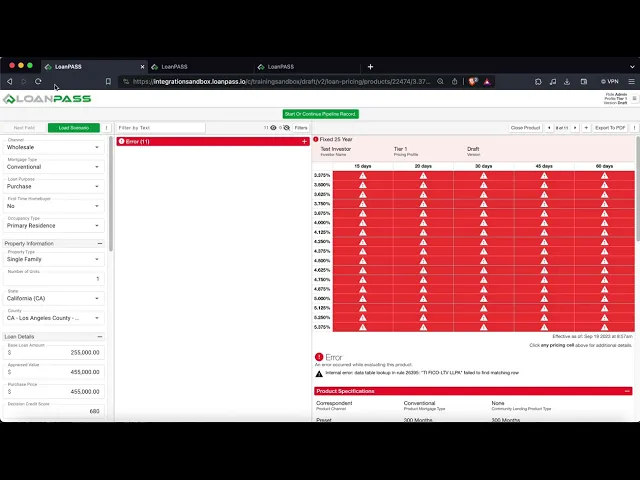
This video goes over a couple common errors that can happen when configuring LoanPASS rules.
Rules Misc - State Licensing
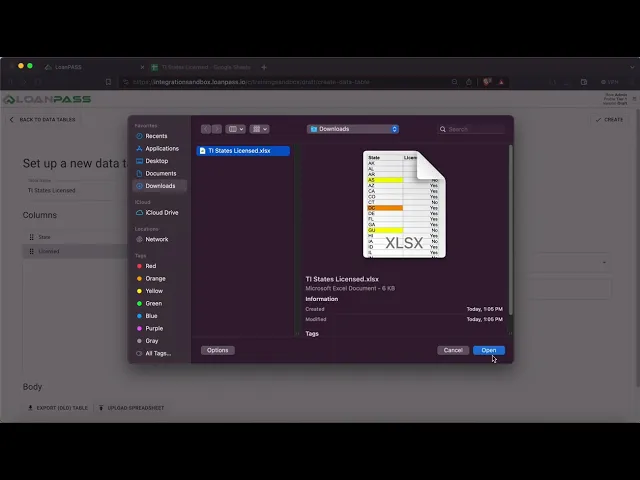
This video goes over how to reject certain states within LoanPASS rules either by using multiple conditions or connecting a data table to a calculation data table lookup that is used in a rule.
How To Create Dynamic Field Values in Rules
Users can now add dynamic field values from the Field Library and Calculations sections of LoanPASS and place them into the text field within a rule.
Return to the Top of the Page
Data Tables
Data Tables Part 1 - Creating a Data Table
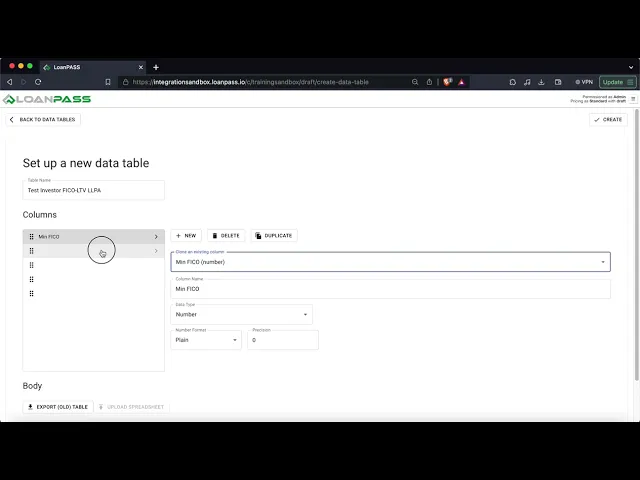
Creating a data table within LoanPASS.
Data Tables Part 2 - Data Table Data Types
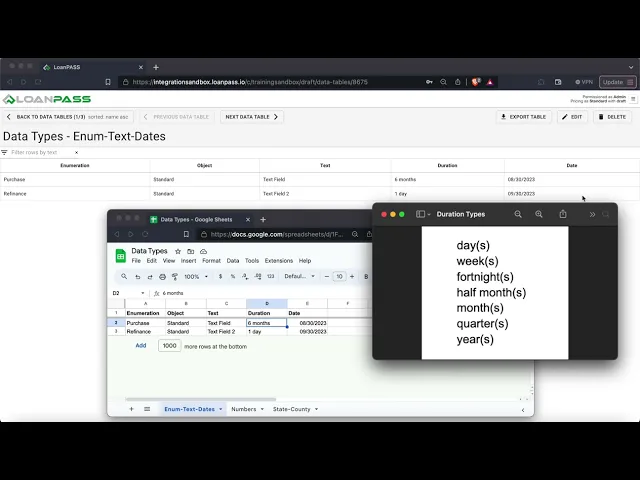
Reviewing the format and different data types within the Data Tables section of LoanPASS.
Data Tables Part 3 - Editing and Deleting a Data Table
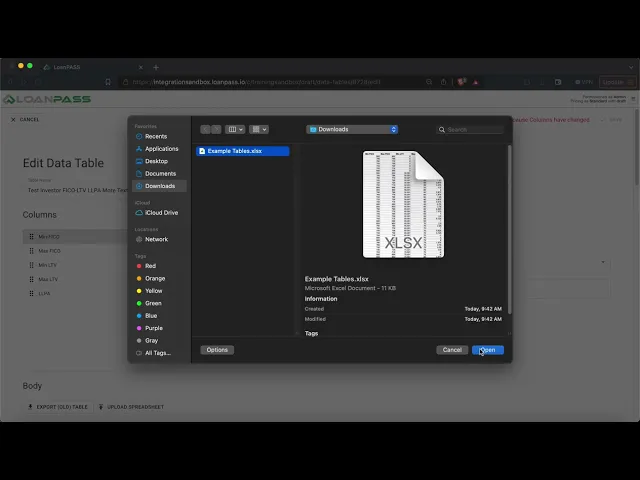
How to edit and delete a data table within LoanPASS.
Return to the Top of the Page
Calculations
Calculations Part 1 - Engine Execution Order
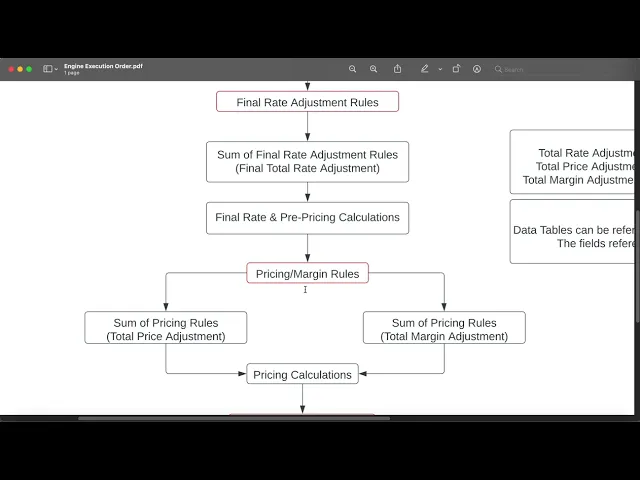
This video covers the sequential process LoanPASS goes through to arrive at a final result on the Price a Loan page.
Calculations Part 2 - Data Types
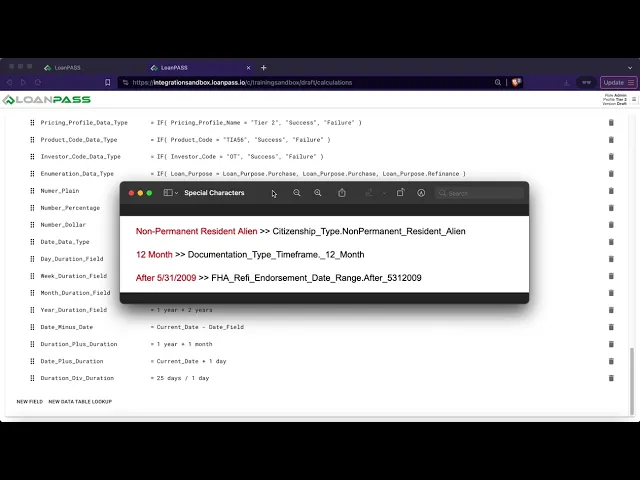
This video covers how to reference different data types within LoanPASS calculations. Referencing fields and creating calculations will be covered in a different video.
Calculations Part 3 - Functions
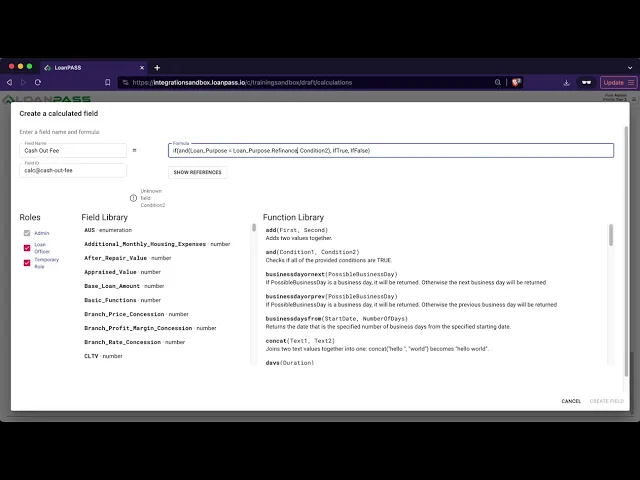
This video covers the most commonly used functions within LoanPASS calculations and how they work.
Calculations Part 4 - Overview
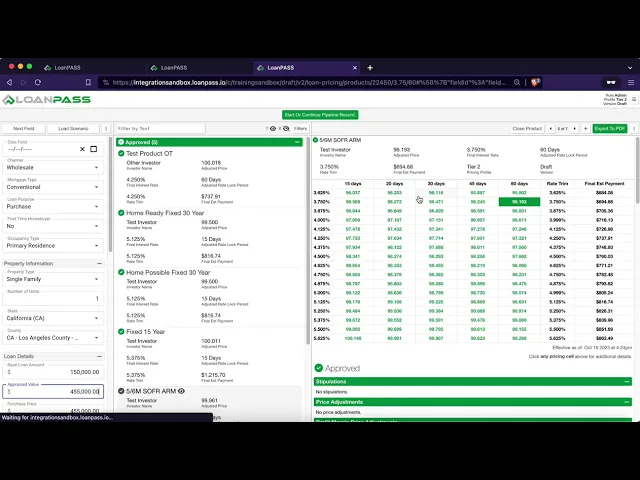
This video covers features regarding LoanPASS Calculations. This includes calculations order, the show references button, and how to edit and delete calculations among other things.
Calculations Part 5 - Data Tables
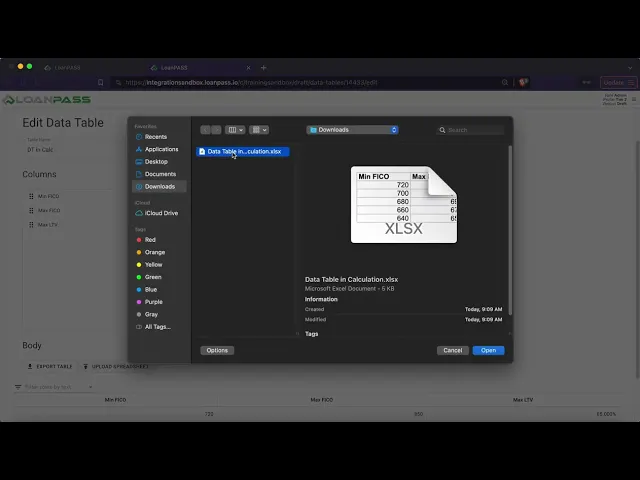
This video covers how to connect a data table to a data table lookup in the calculations section of LoanPASS as well as how to handle blank values and other features.
Return to the Top of the Page
Users
Users Part 1 - Adding a New User
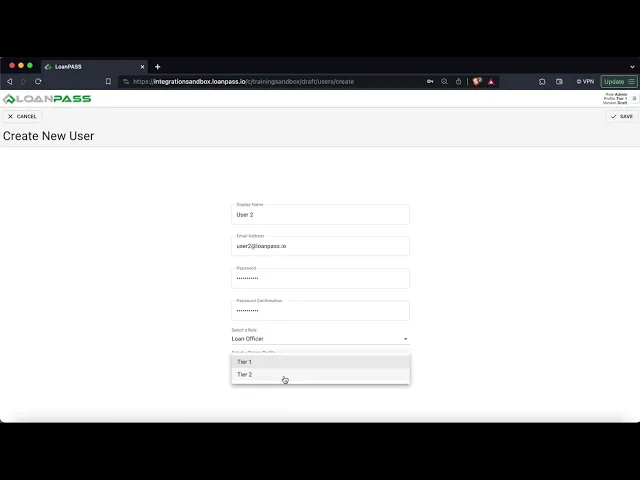
This video covers how to create a new user and how the email invite works within LoanPASS.
Users Part 2 - Edit and Delete
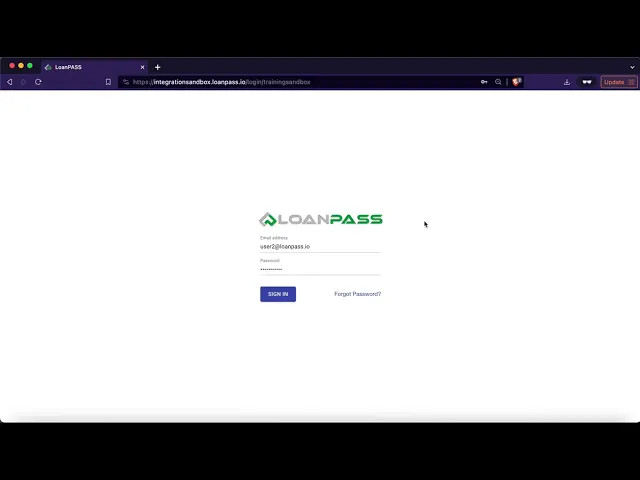
This video covers how to edit different attributes of a users as well as how to delete a user from LoanPASS.
Return to the Top of the Page
Rate Sheets
Rate Sheets Part 1 - Upload and Download
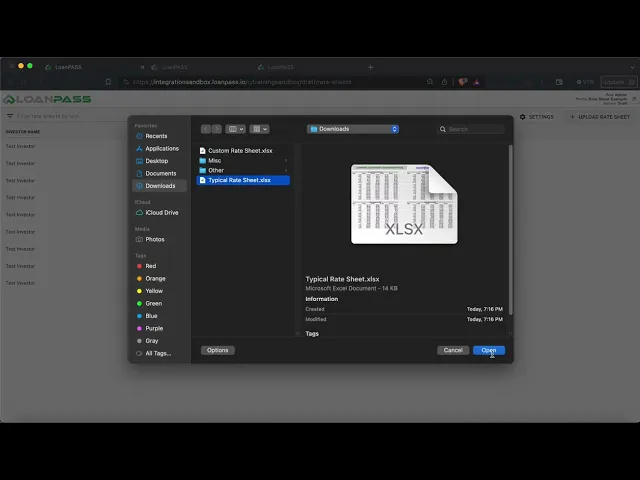
This video covers how to setup a custom rate sheet to upload into LoanPASS and a few different product setups. It also explains how rate sheets affect versioning and how to download a previously uploaded rate sheet.
Rate Sheets Part 2 - Settings
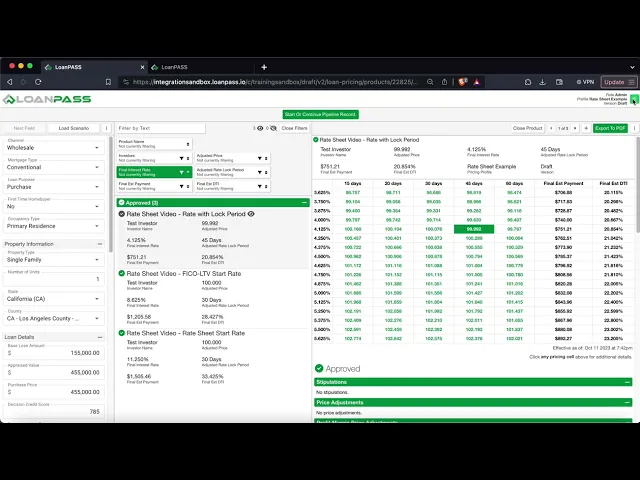
This video covers the Rate Sheet Settings options on the Rate Sheets page within LoanPASS.
Return to the Top of the Page
Locking
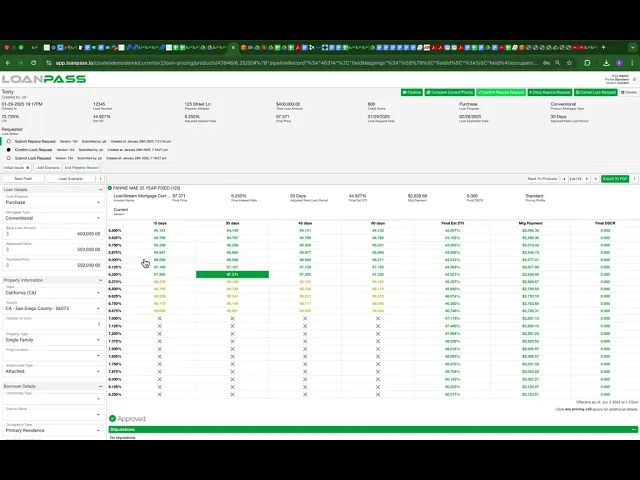
Return to the Top of the Page
Pipeline
Setting up Pipeline
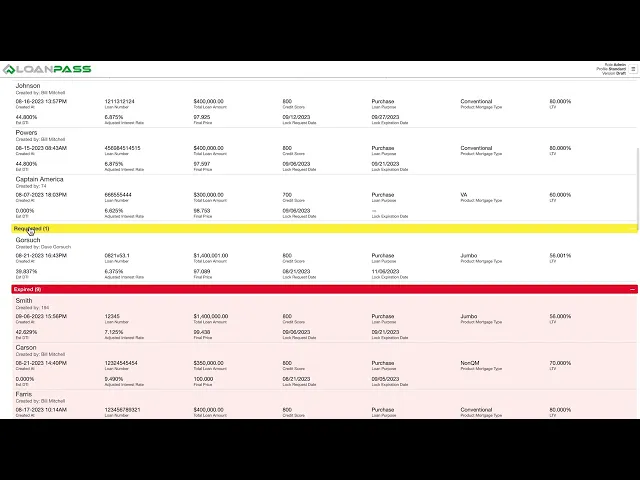
Admin training on how to initially set up Pipeline in your tenant. You must configure which fields you want on your pipeline records in the Field Library, under Pipeline Settings. Then you can begin creating Pipeline Records.
Return to the Top of the Page
How to Contact Support
Contact Support Page
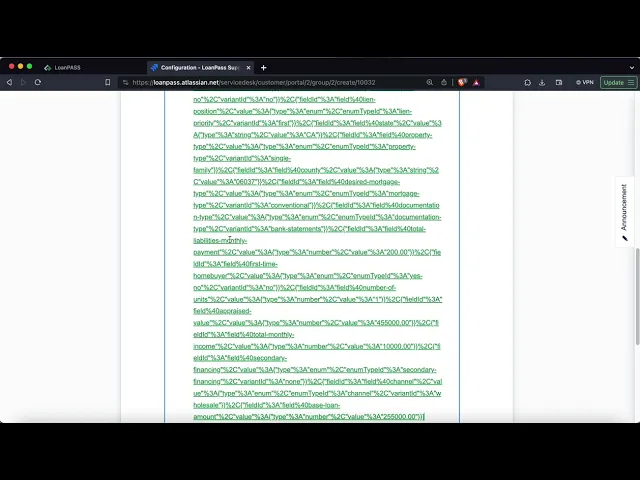
This ticket goes over the basics of how to submit a Jira Support Ticket to LoanPASS.
Return to the Top of the Page
Encompass Integration
Encompass and LoanPASS Integration Guide
The LoanPASS integration for Encompass® by ICE Mortgage Technology® allows Encompass
users to price and lock Encompass products using LoanPASS. This document will guide you
through setting up this integration between your Encompass and LoanPASS accounts.
Return to the Top of the Page